ZevInbox
LiveShared team inbox
A shared inbox for teams on their own domain. Everyone sees the same conversations, knows who owns each one, and talks about it with internal comments instead of forwarding email around.
ZevInbox at a glance.
Shared inbox
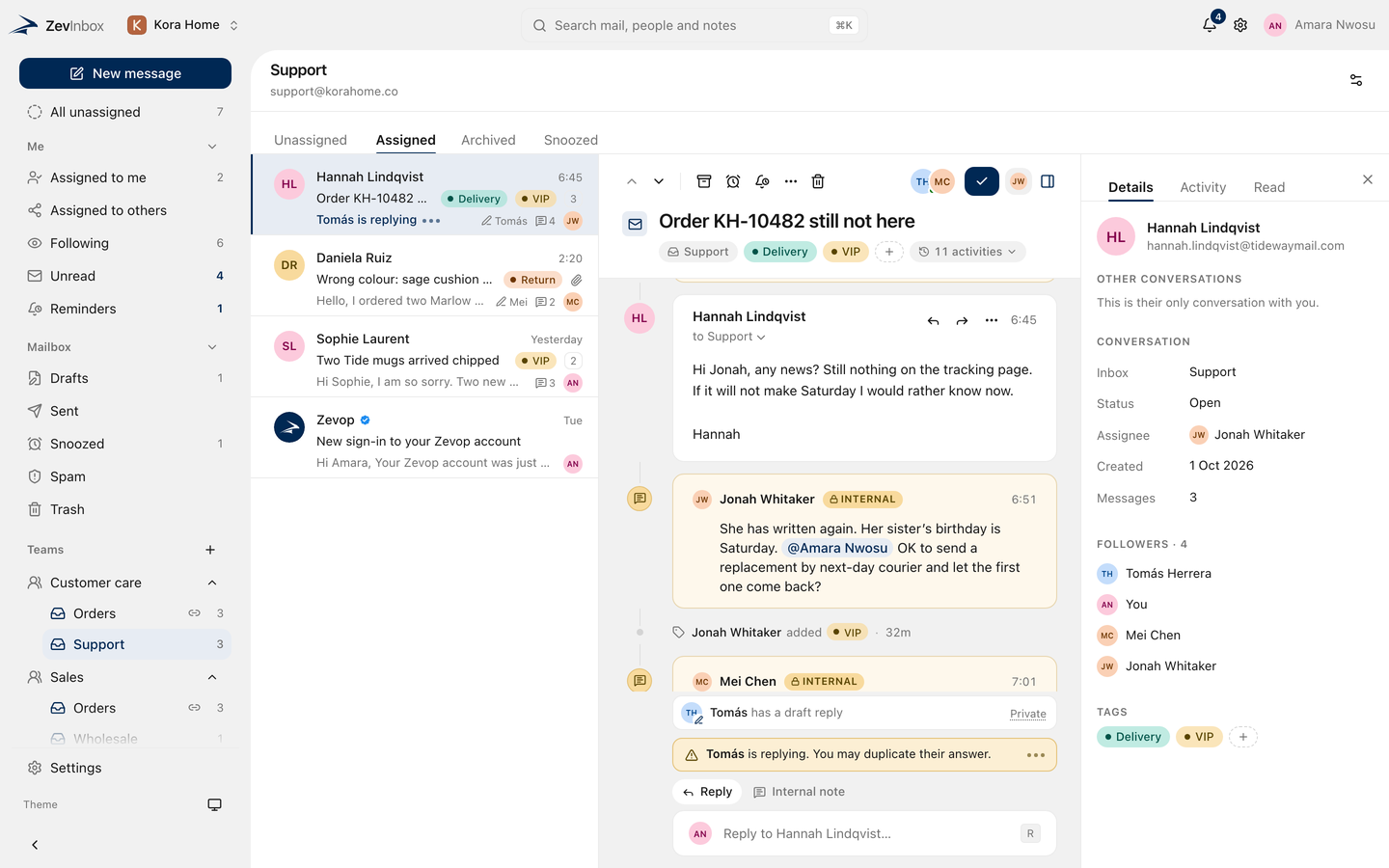
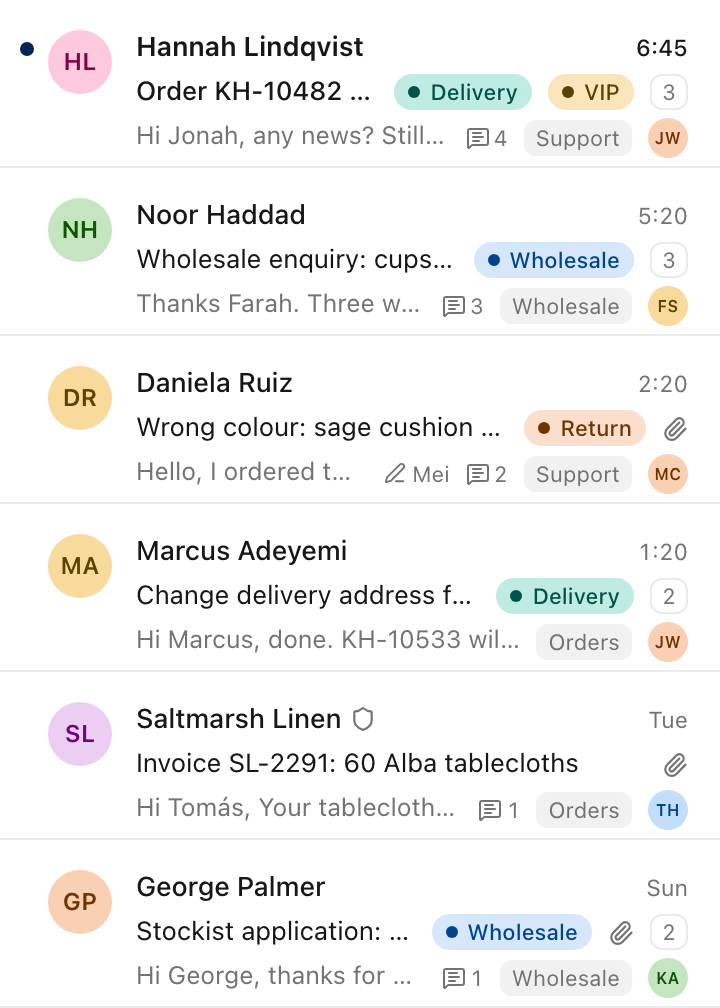
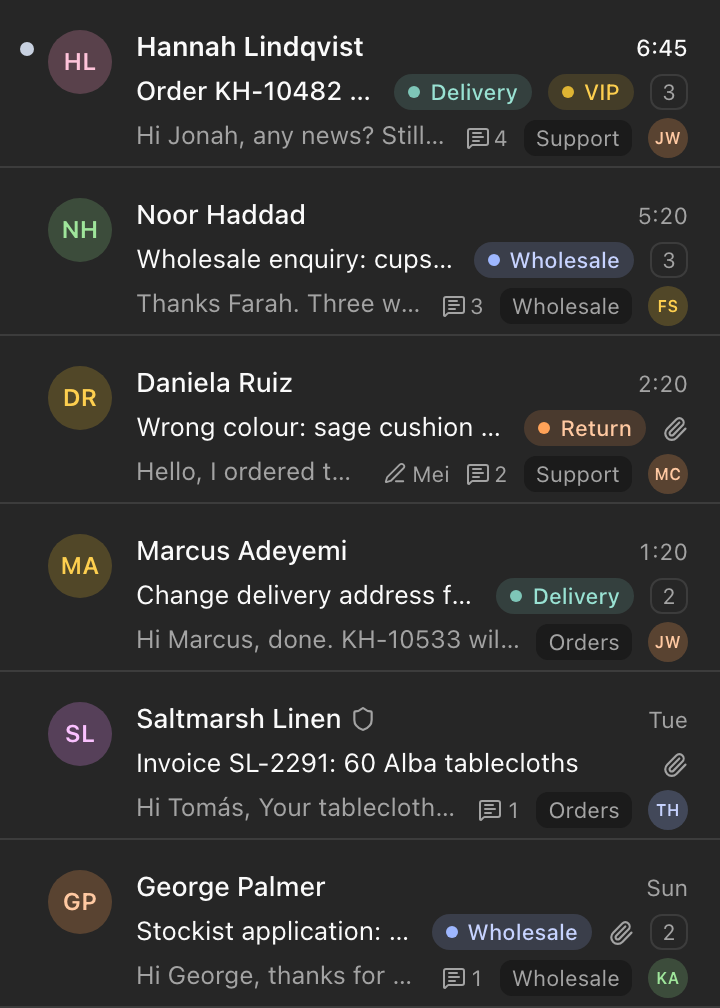
Mail to support@, orders@ or any shared address lands in one place. Everyone on the team sees the same conversations, in the same state.
Search
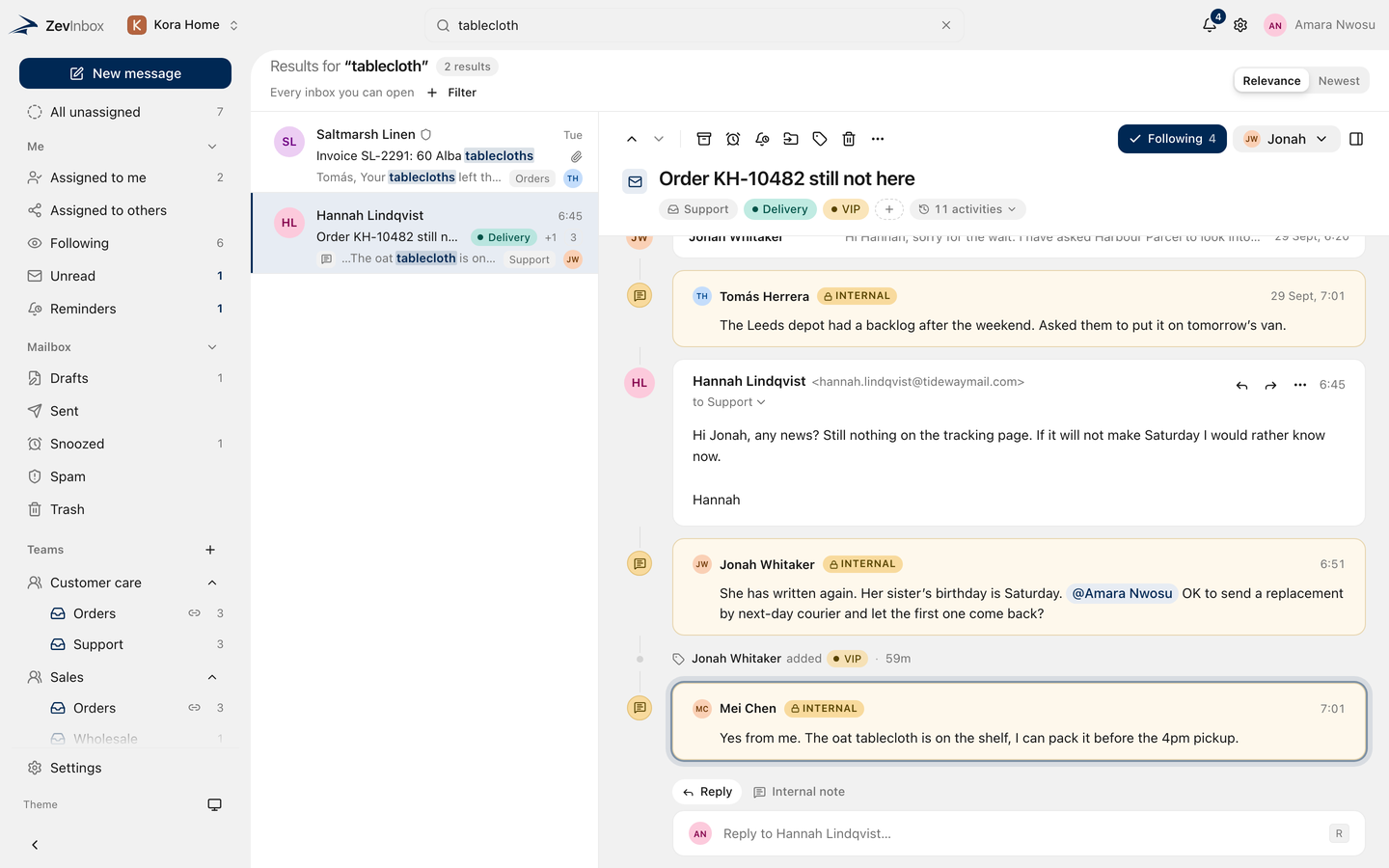
Press / and type. Results fill the conversation list as you type, across every inbox you can open, and open on the exact message that matched.
Collaboration
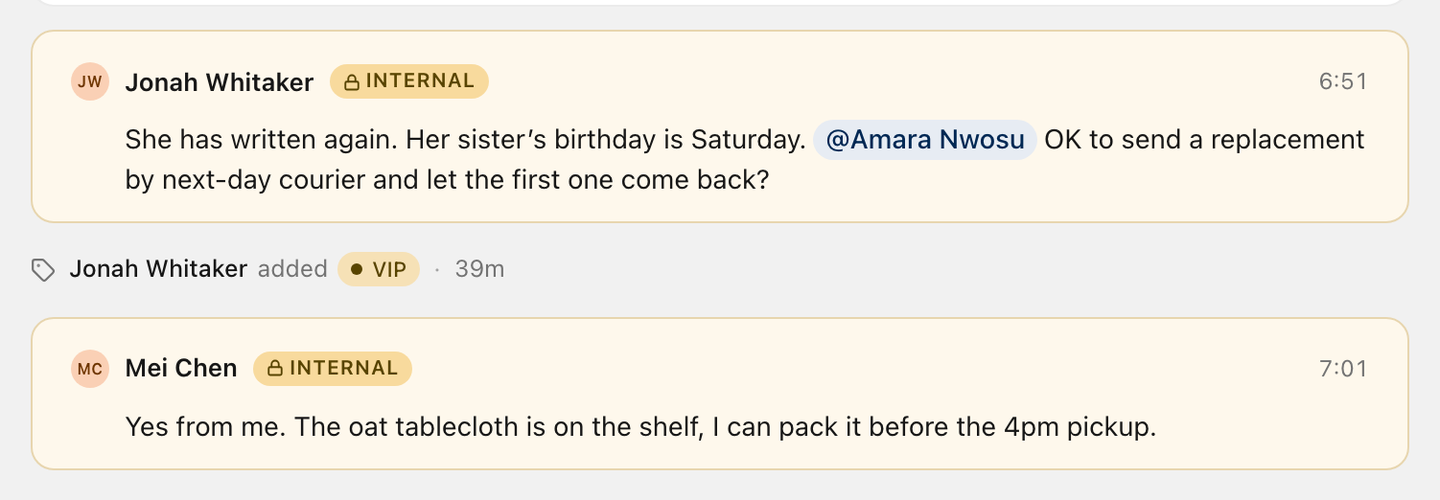
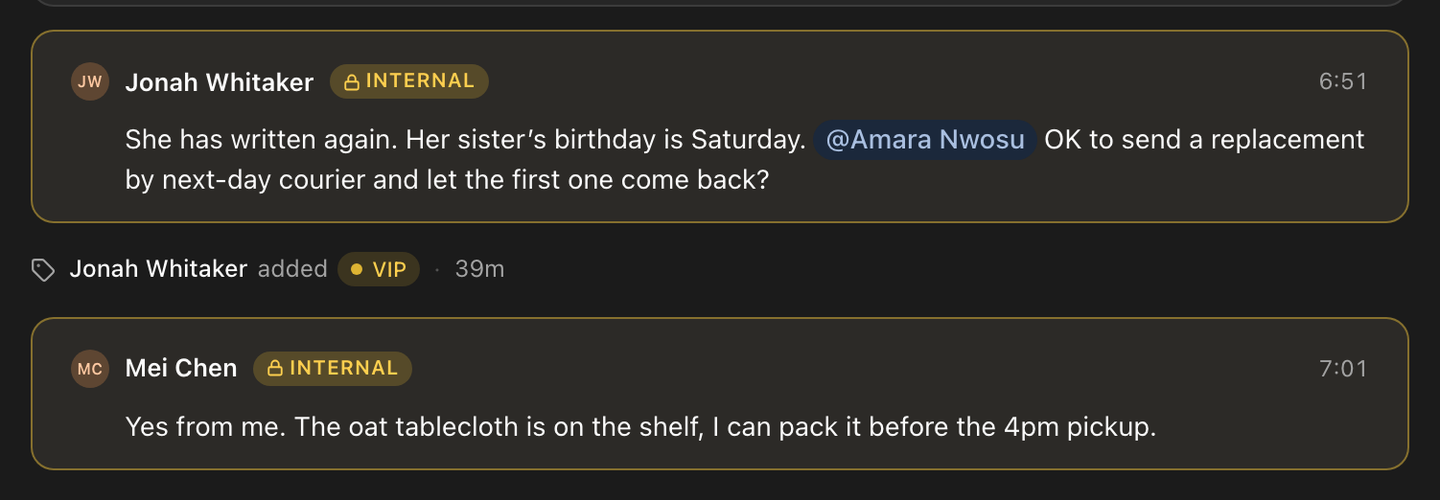
Leave an internal note on any conversation and mention a teammate. See who else is reading. Customers never see any of it.
Compose and drafts
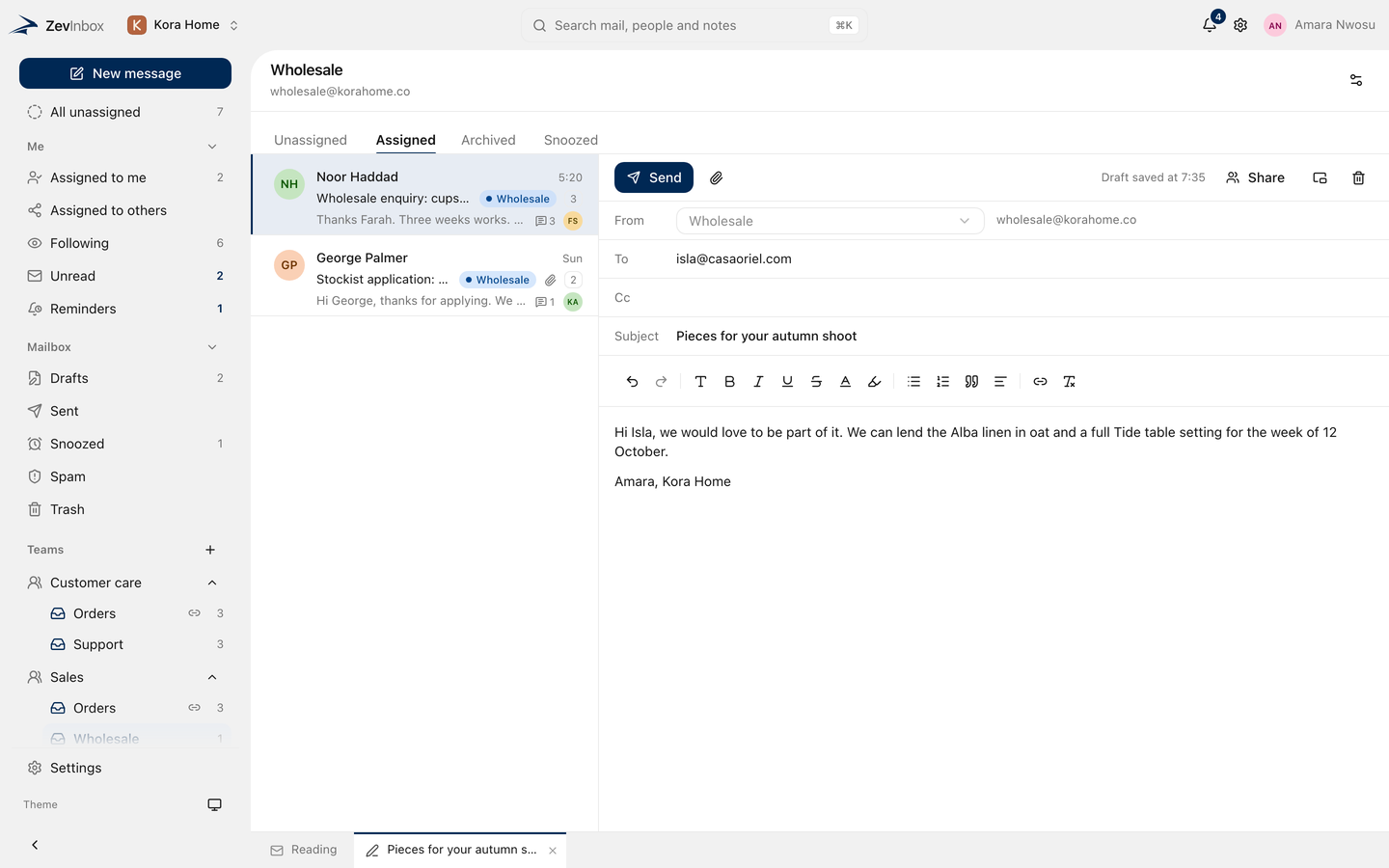
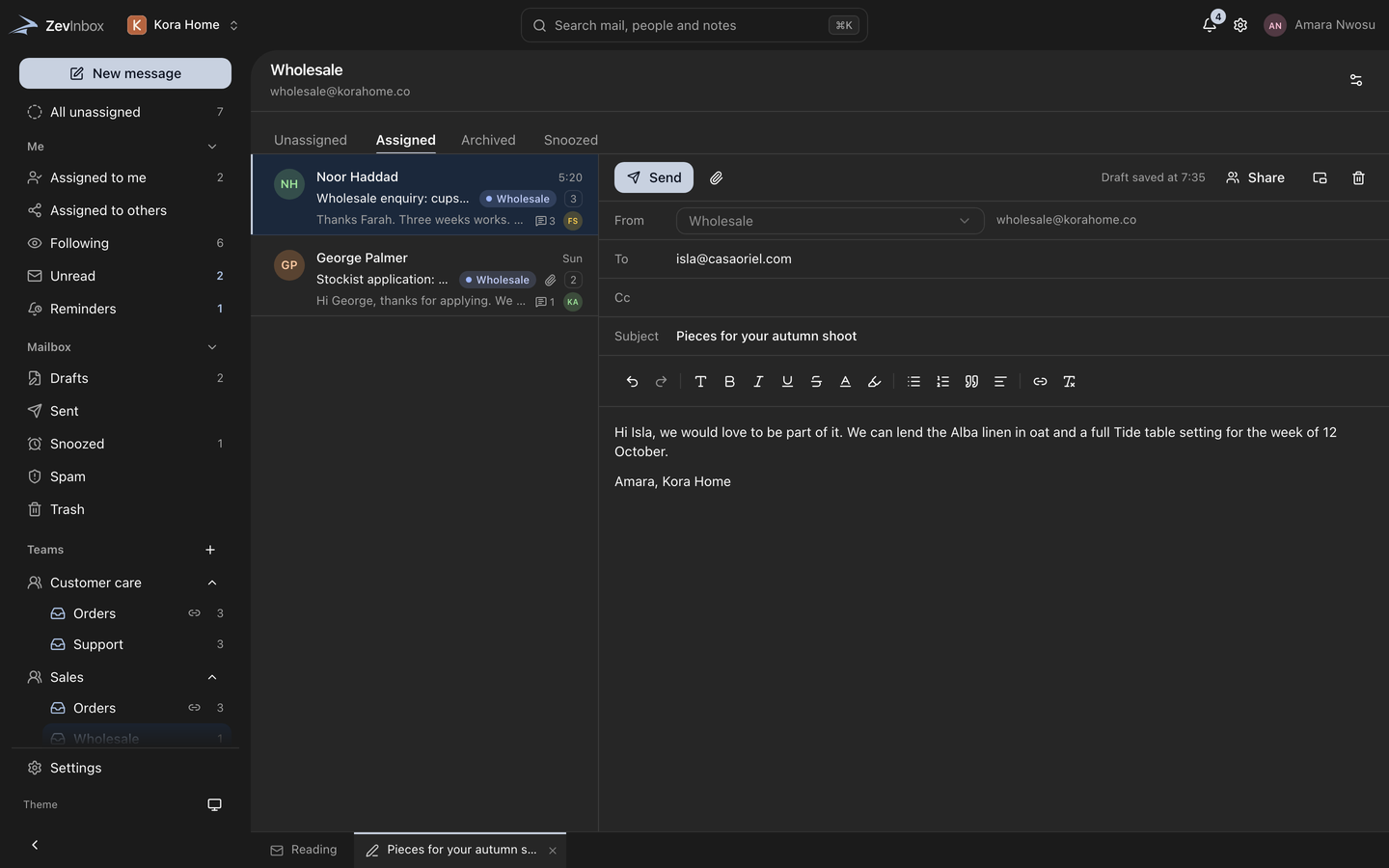
A rich editor, drafts that open as tabs beside your conversations, and drafts a teammate can write with you at the same time.
Ownership
New mail waits in All unassigned until someone takes it. Assign it, snooze it until it matters, or set a reminder only you can see.
Custom domain
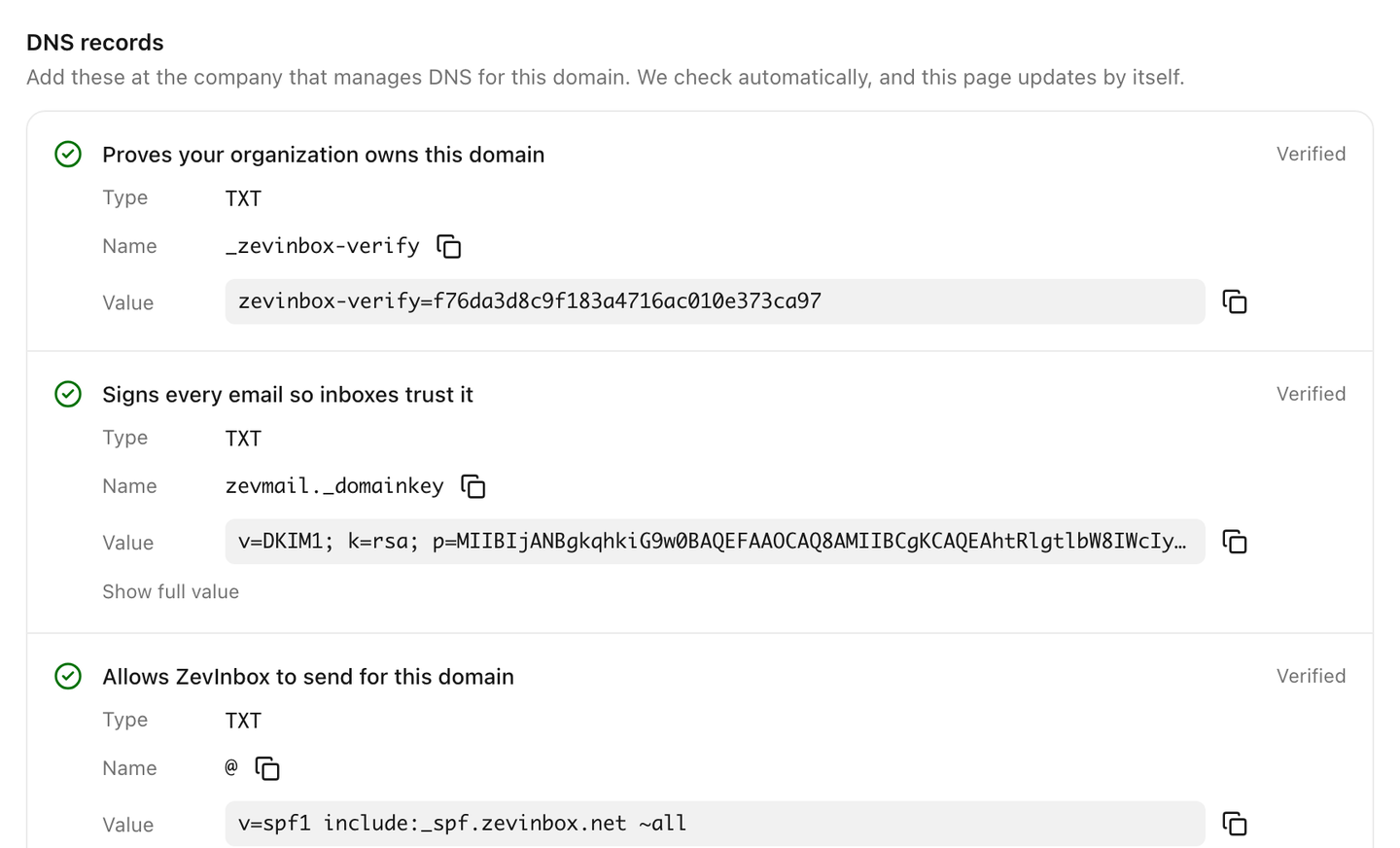
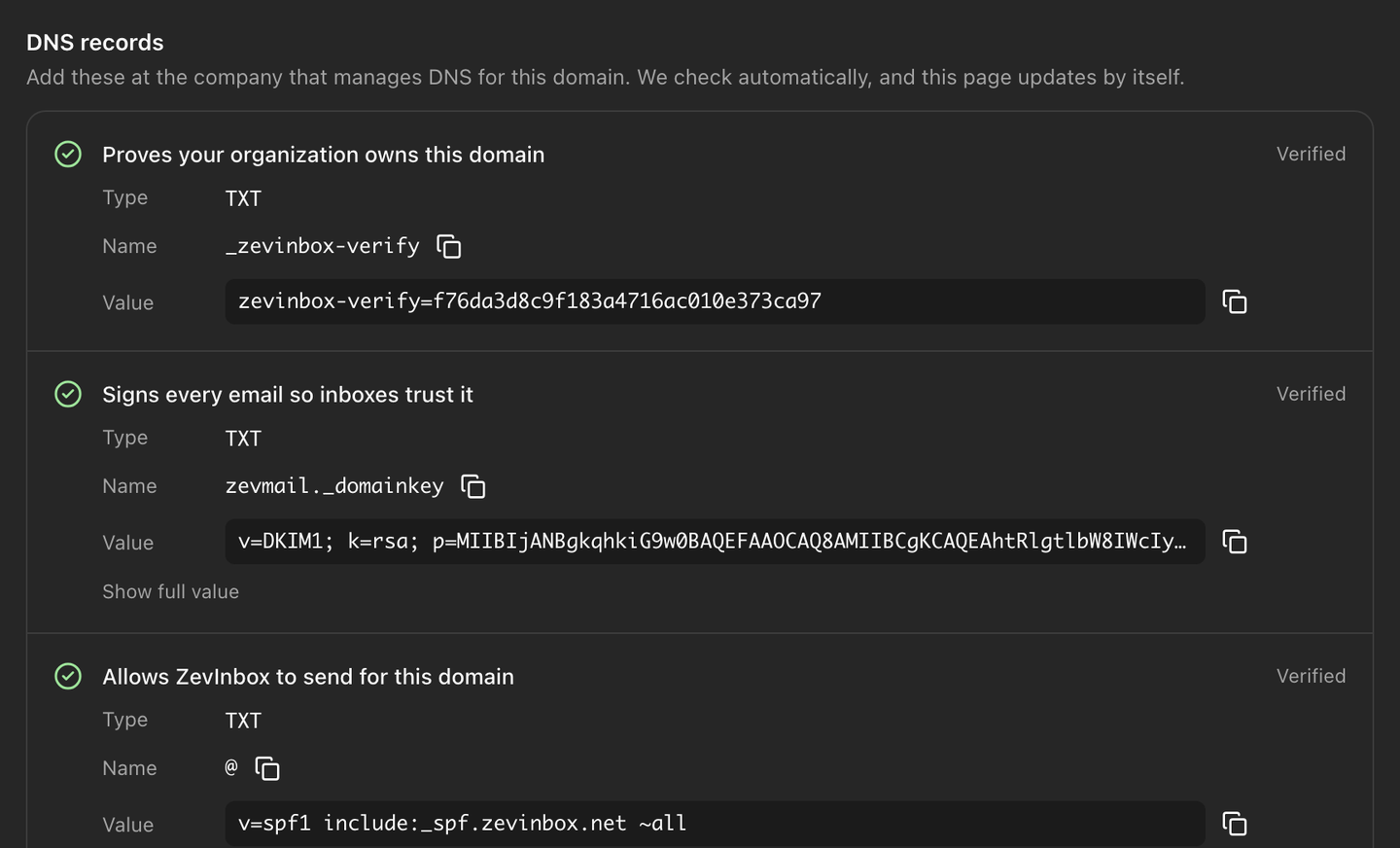
Connect the domain you already have. ZevInbox lists each DNS record to add, checks them for you, and keeps checking after they pass.
Spam and phishing
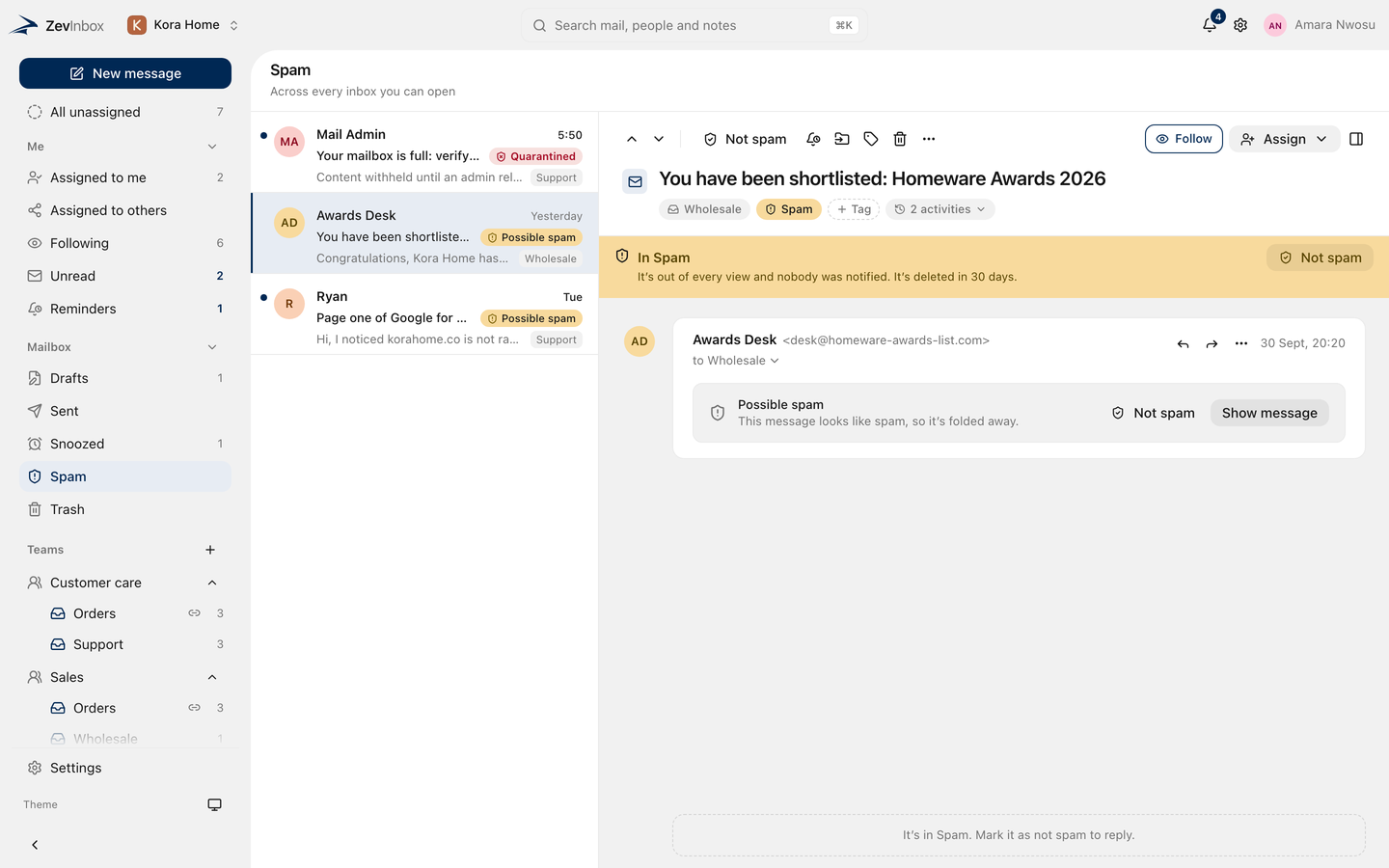
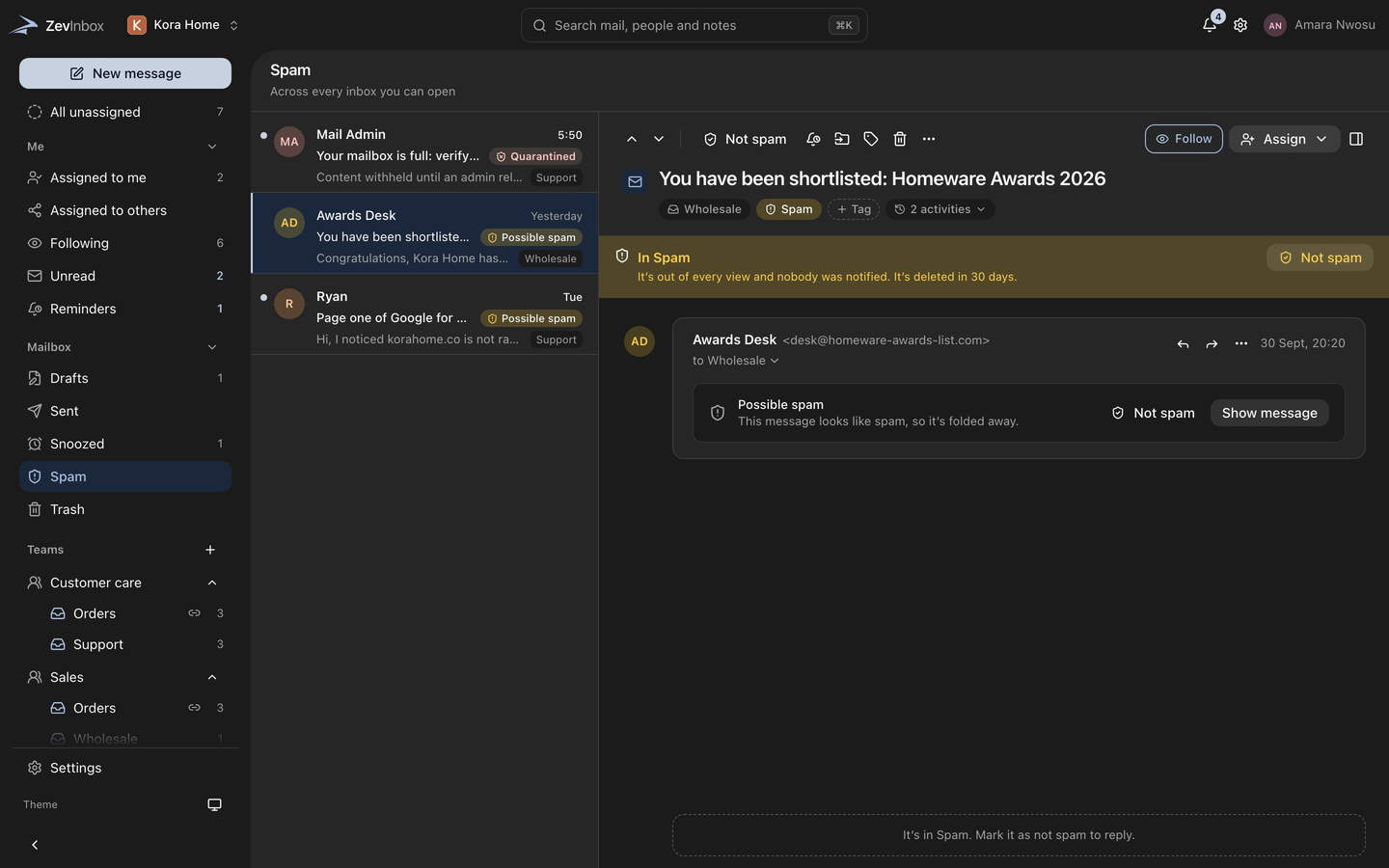
Every message is scanned for spam, phishing and viruses on the way in. Possible spam and possible phishing go to Spam. Anything proven dangerous is quarantined.
Verified senders
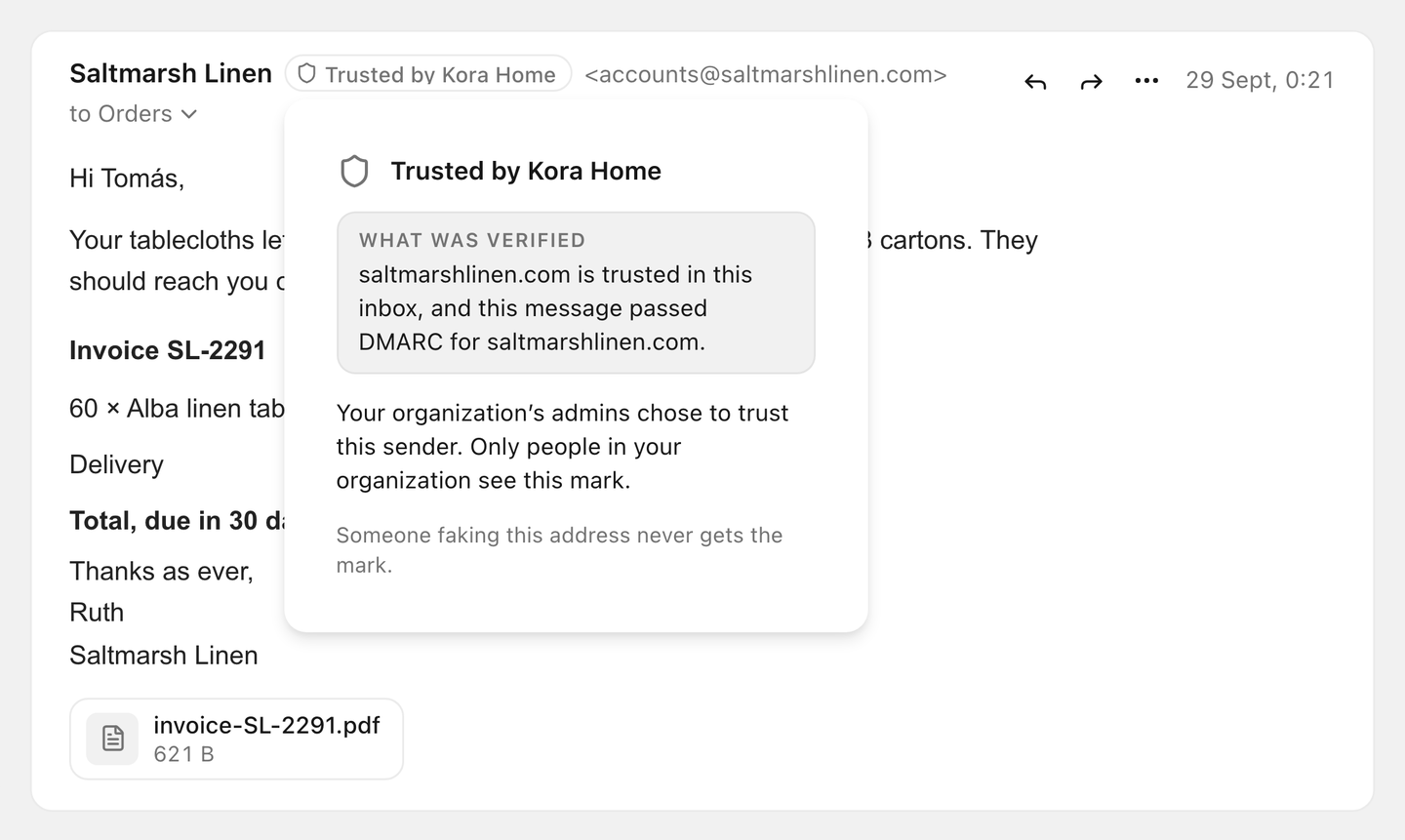
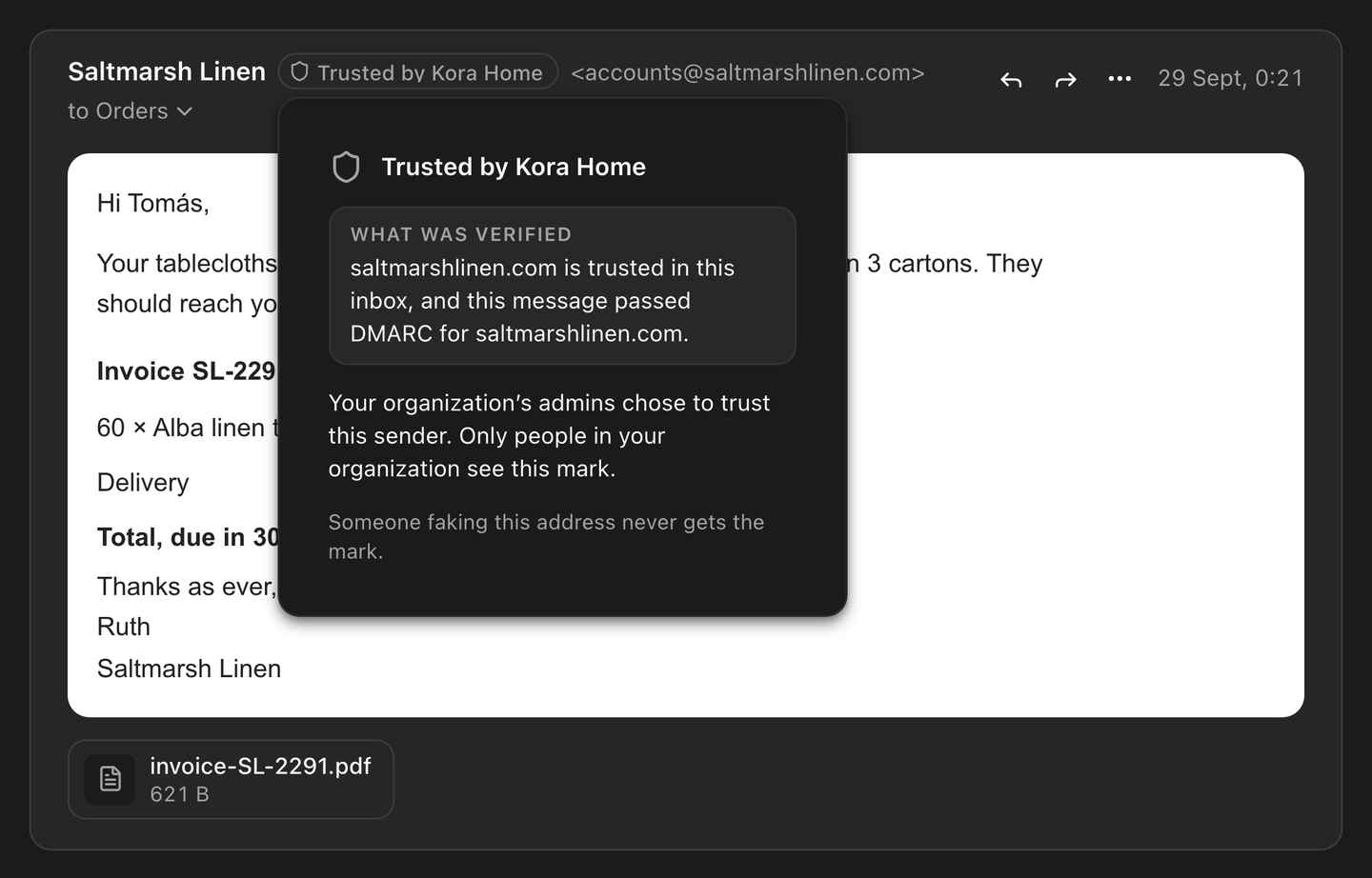
ZevInbox checks each sender and marks the ones it can verify. A mark means the sender proved who they are. It is not an endorsement.
Teams and access
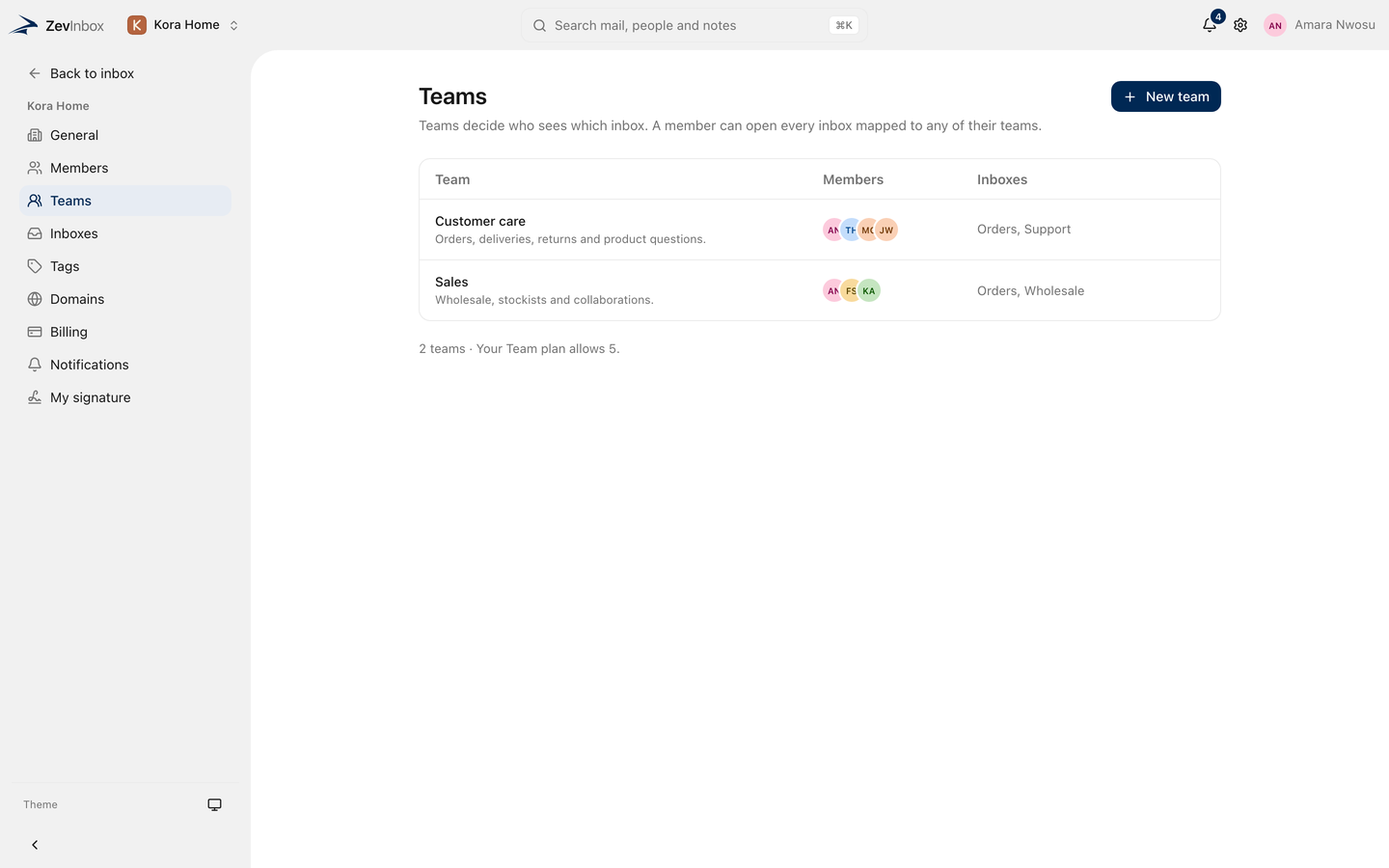
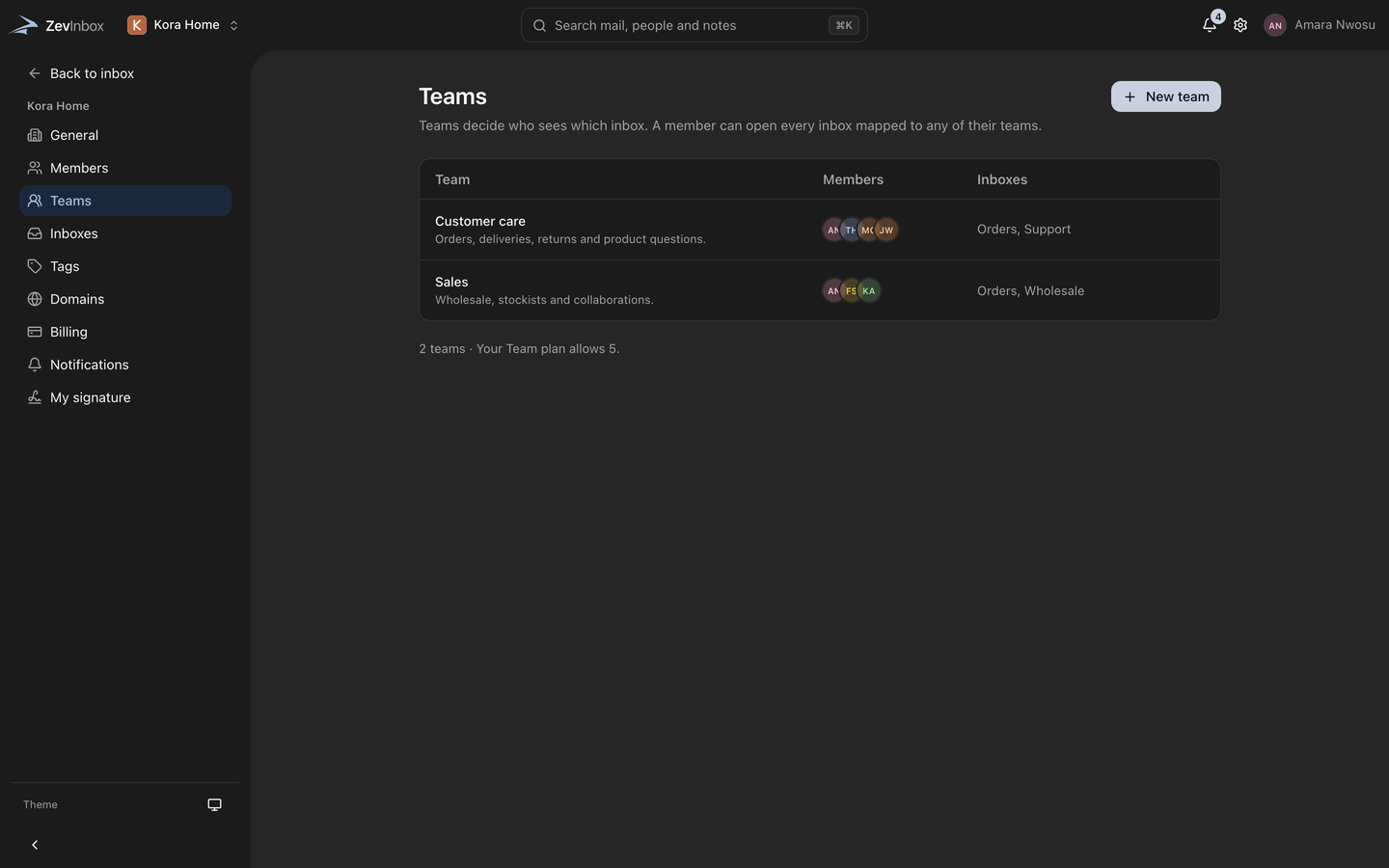
Your organization has teams, and teams have inboxes. People see the inboxes their teams use, and roles decide who can change what.
See ZevInbox at work.
Shared inbox
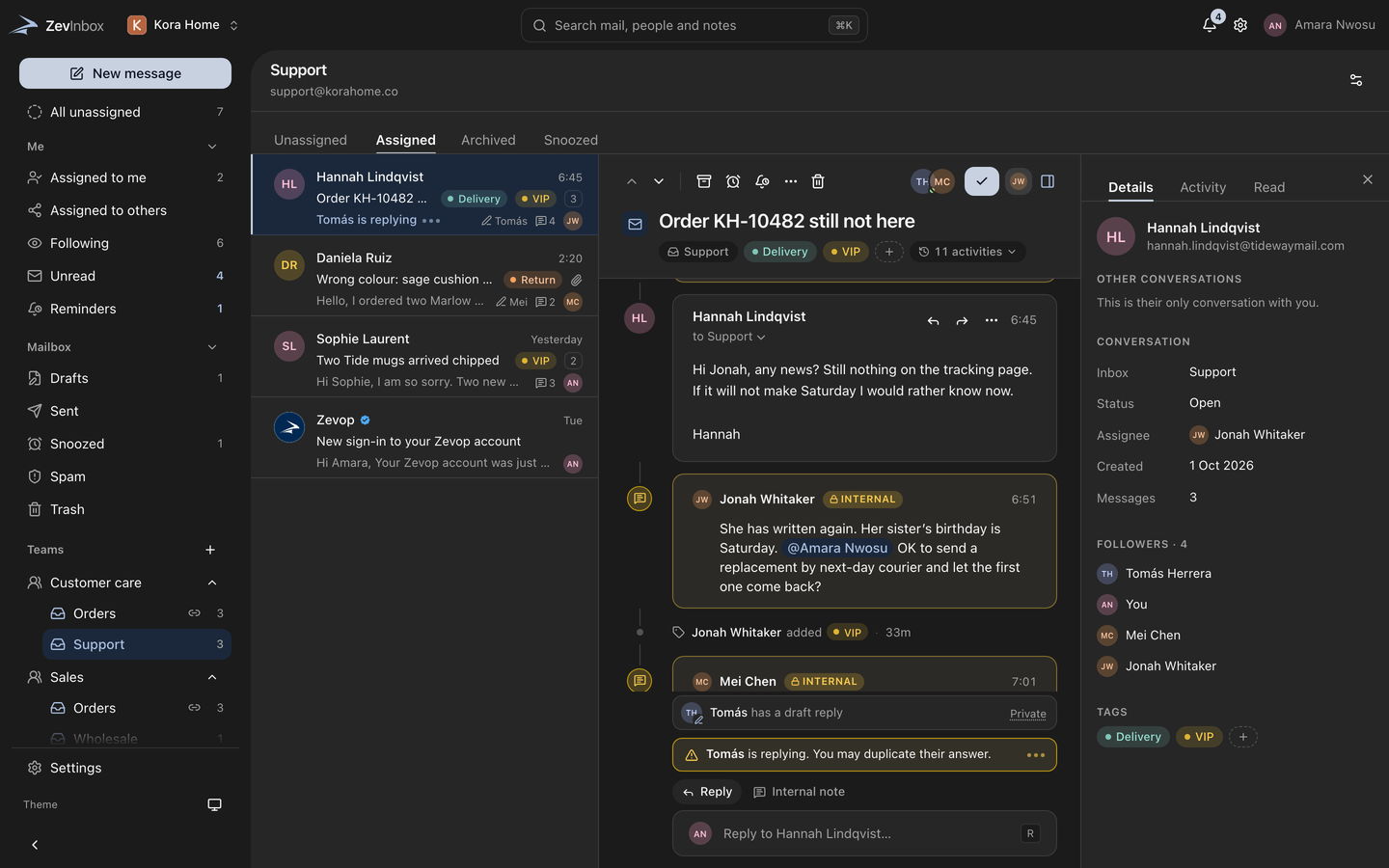
Mail to support@, orders@ or any shared address lands in one place. Everyone on the team sees the same conversations, in the same state.
Search
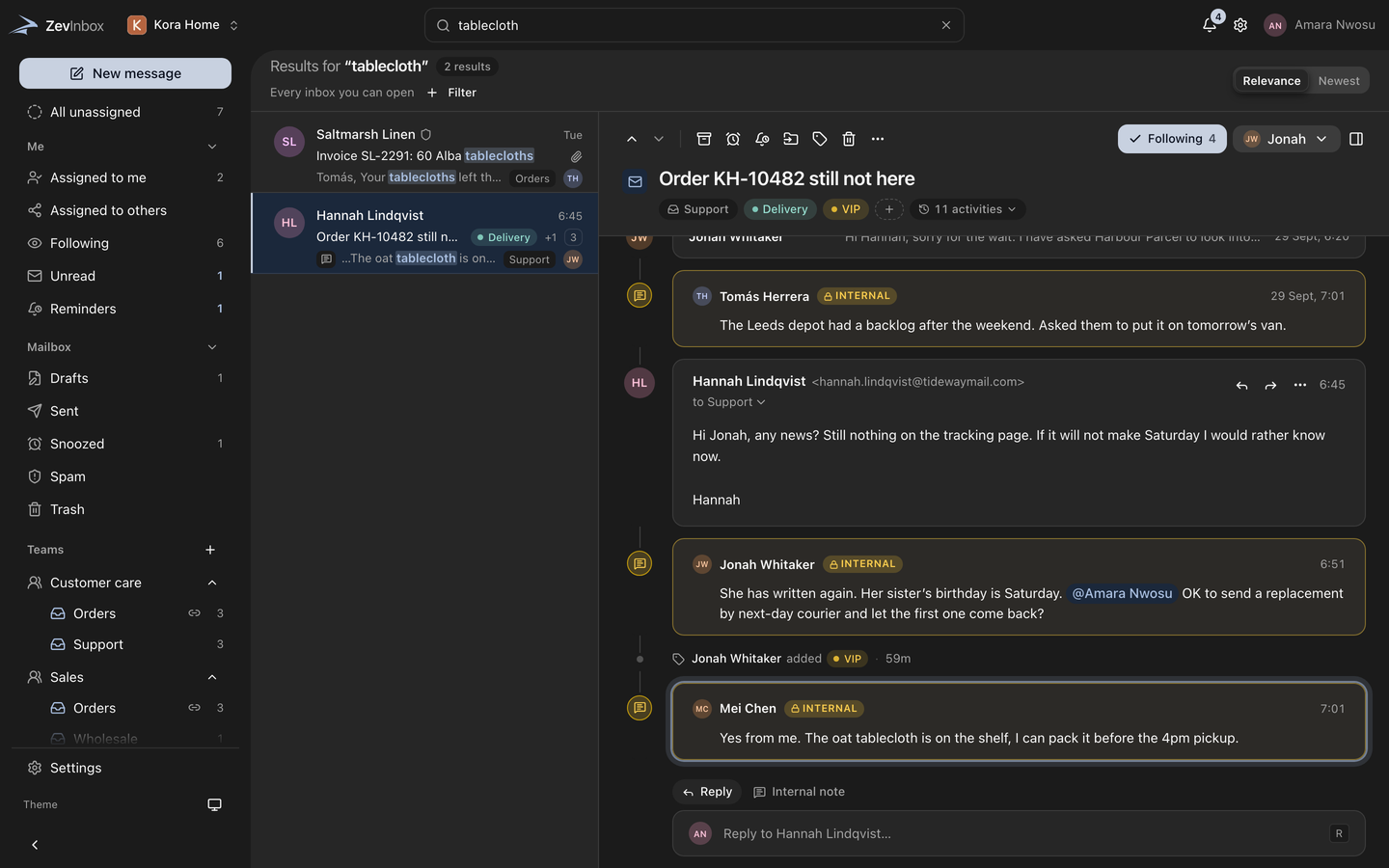
Press / and type. Results fill the conversation list as you type, across every inbox you can open, and open on the exact message that matched.
Collaboration
Leave an internal note on any conversation and mention a teammate. See who else is reading. Customers never see any of it.
Compose and drafts
A rich editor, drafts that open as tabs beside your conversations, and drafts a teammate can write with you at the same time.
Ownership
New mail waits in All unassigned until someone takes it. Assign it, snooze it until it matters, or set a reminder only you can see.
Custom domain
Connect the domain you already have. ZevInbox lists each DNS record to add, checks them for you, and keeps checking after they pass.
Spam and phishing
Every message is scanned for spam, phishing and viruses on the way in. Possible spam and possible phishing go to Spam. Anything proven dangerous is quarantined.
Verified senders
ZevInbox checks each sender and marks the ones it can verify. A mark means the sender proved who they are. It is not an endorsement.
Teams and access
Your organization has teams, and teams have inboxes. People see the inboxes their teams use, and roles decide who can change what.
Better together.
ZevInbox works on its own, or connects to the rest of the ecosystem through ZevID, the single account that ties every Zev product together.
Start with ZevInbox today.
Create a ZevID and add the rest of the ecosystem as you grow.